Les banques traditionnelles limitent la croissance. Loop le déverrouille. Cartes d'entreprise sans FX, comptes mondiaux réels, transferts internationaux gratuits et plus encore.
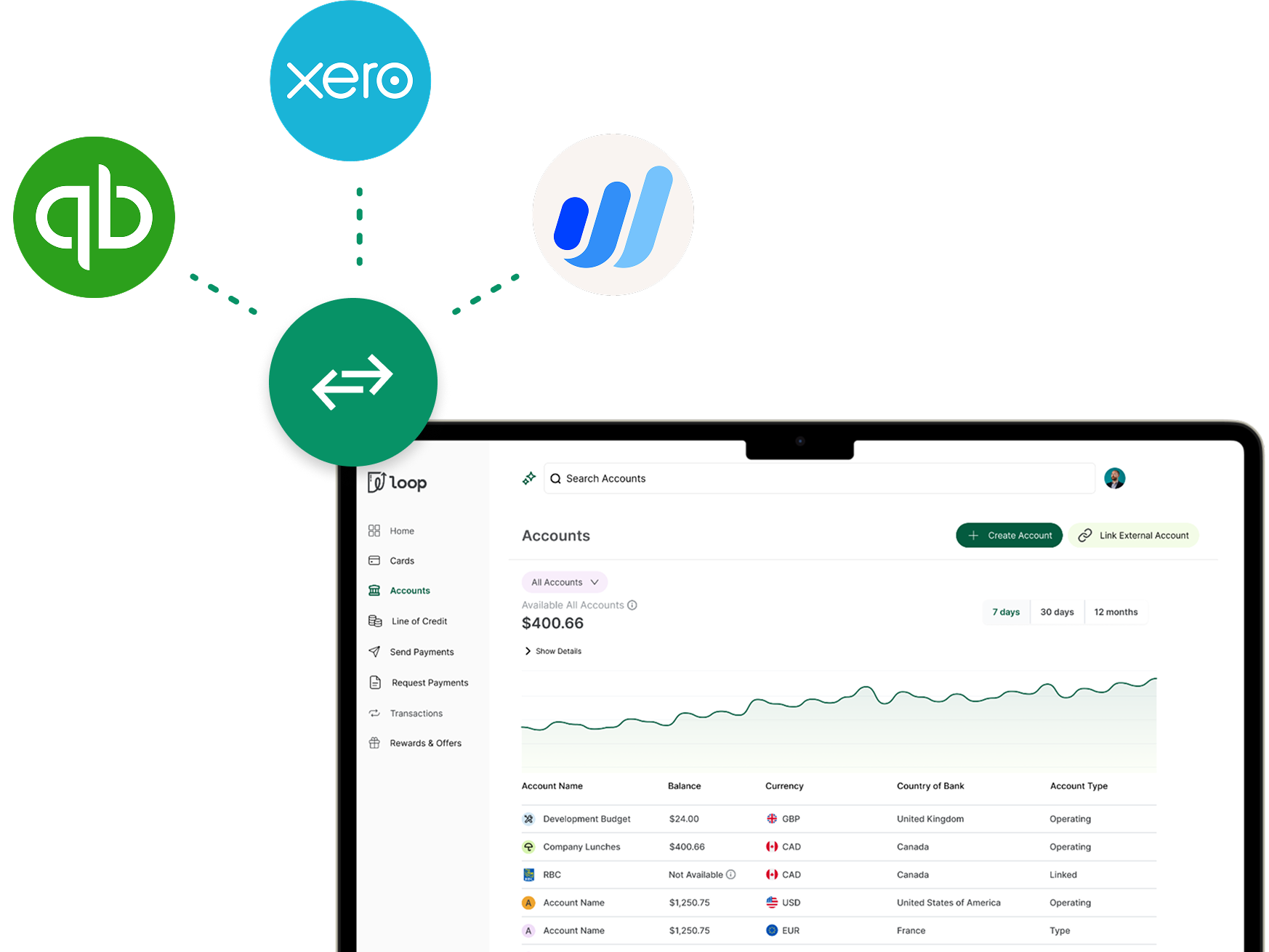



Most banks use outdated technology that "scrapes" your data, leading to broken feeds and duplicate entries. Loop’s direct digital bridge creates a permanent, secure connection that stays live even when platforms update.
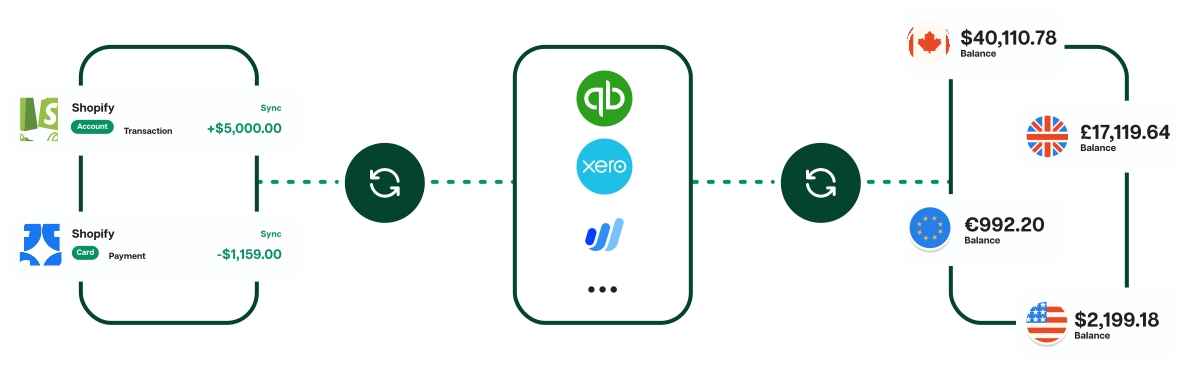
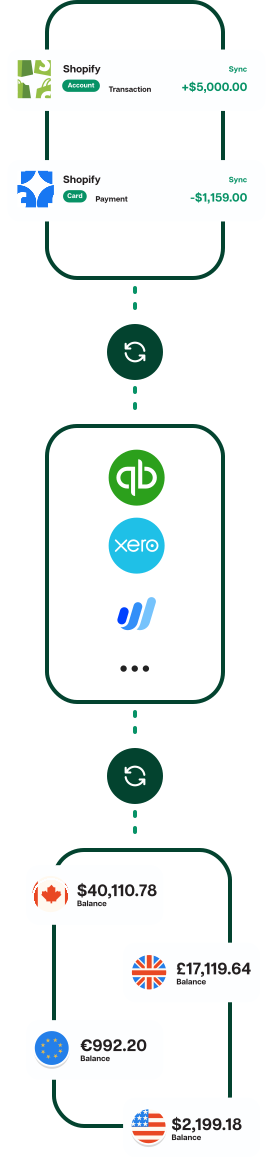
When a card is swiped or a payment is sent, the transaction data is ready to be reconciled in your ledger.
Économisez en moyenne 5,7 % par rapport aux banques traditionnelles. Dépensez et remboursez en CAD, USD, GBP et EUR.
Accédez aux taux de change normalement réservés aux entreprises de Fortune 500. Découvrez ici les économies que vous pouvez réaliser.
Développez-vous plus rapidement grâce à des limites de crédit basées sur les performances de votre entreprise
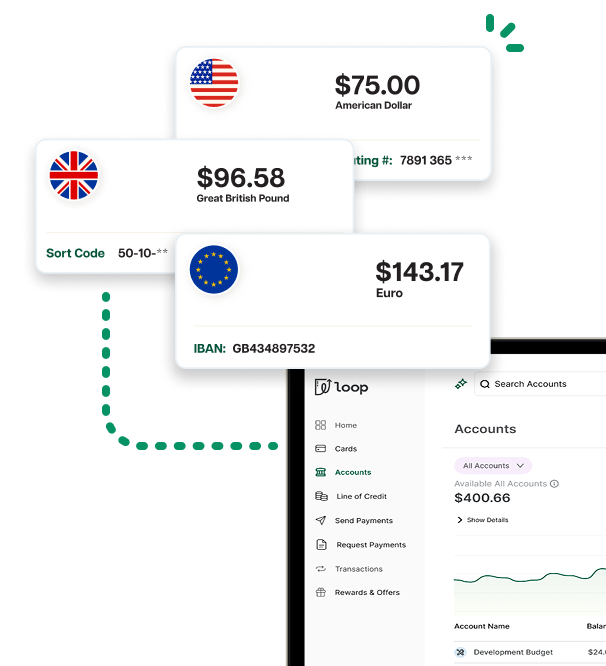
Notes added by teammates in Loop flow directly into the "Description" field of your accounting software.
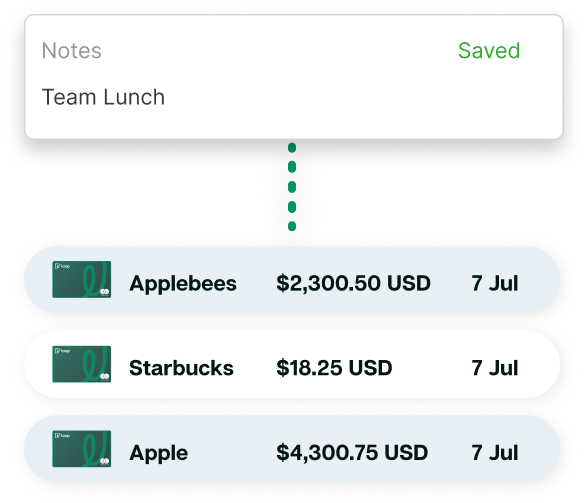
Transaction categories from Loop are synced to your Chart of Accounts for faster, one-click reconciliation.
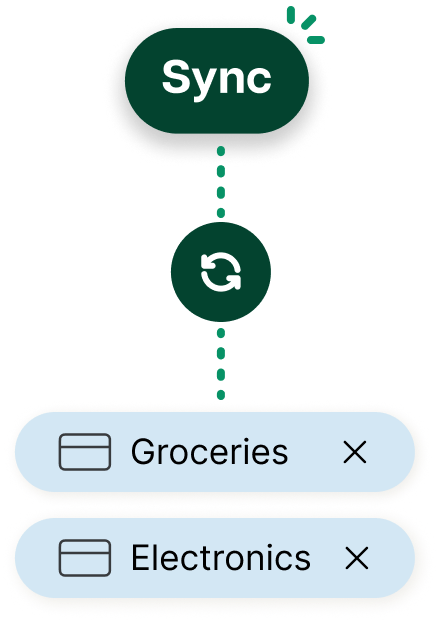
Receipts uploaded to the transaction in Loop are synced, providing a clear digital paper trail for every international and domestic transaction.
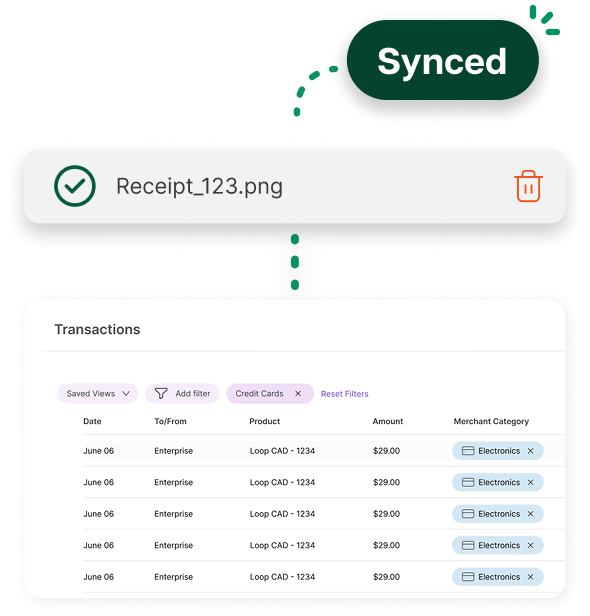
Most banks use outdated technology that "scrapes" your data, leading to broken feeds and duplicate entries. Loop’s direct digital bridge creates a permanent, secure connection that stays live even when platforms update.

Choose QuickBooks, Xero, Wave or many other accounting platforms.
Log in with your Loop credentials – no sharing of sensitive bank login info required.
Select which Loop cards and accounts you want to sync.
Transactions begin flowing immediately. Backdate your sync to catch up on previous months in seconds.
Modes de paiement pris en charge
EFT, ACH, SEPA, Wire
EFT, Wire
Data Quality
0.1%-0.5% + Sans frais
Missing Entries
2.5 %+$50
Logins Req Per Month
Oui
Non
Vendor Names
0 %
5,7 %
Notes
Not supported
Automatic sync
Categories
Unreliable or manual
Automatic sync
Receipts
Manual upload only
Automatically matched


Loop supports a direct integration with QuickBooks Online, Xero, Wave and others. Your Loop Accounts and Cards can all be accessed through the Banking or Bank Feeds section of your accounting software provider.
Functionally, Loop’s integration looks the same and can be accessed in the bank feed of your accounting provider. Most bank feeds that pull from traditional banks use "screen scraping," which is less secure, can miss additional transaction detail and often breaks requiring re-connection or manual bookkeeping corrections. Loop uses Direct Connectivity using an API, creating a secure, permanent digital bridge that ensures all of your data is pushed to your accounting provider without the need for constant re-authentication.
Your Loop Accounts and Cards can be accessed through the Banking or Bank Feeds section of your accounting provider. Loop provides a dedicated digital bridge, enabling most major accounting software providers to access your Loop data. This removes the need for manual CSV exports and ensures your transaction data is pushed to your accounting software with high precision.
No. Accounting integrations are available to all Loop customers across all plans at no additional cost.
Yes, you can sync historical data to catch up on your bookkeeping, though the process varies depending on your specific accounting software.
Absolutely. You can map your Loop CAD, USD, EUR, and GBP accounts to their corresponding accounts in your accounting platform. This ensures your transactions land in the correct ledger without forced conversions.
The integration automatically pulls in:
Yes, receipts uploaded by you, your card users, or Ailo are automatically attached to the corresponding transaction and synced directly to QuickBooks Online. For other platforms, including Xero and Wave, receipts do not yet push to your software. You can continue to use the bulk download feature in Loop to export receipts for your records or audits.
Once connected, your transaction data syncs automatically based on your provider’s refresh schedule. As transactions are posted in Loop, they are queued to appear in your accounting software’s bank feed (typically within the hour), making them ready for seamless reconciliation. You can also manually resync your data in your accounting platform.
Yes. Loop uses tokenized authentication. This means you never have to share your banking credentials with third-party aggregators, and your data is protected by the same bank-grade security used across the entire Loop platform.
Because we use Direct API connectivity, "broken" feeds are highly unusual. However, if you notice a delay in transaction syncing, most accounting providers enable you to reconnect an account directly within their banking dashboard. This effectively refreshes the secure connection between the two platforms.
If the issue persists after attempting a reconnection, please reach out to us at support@bankonloop.com and we’ll investigate the connection on our end immediately.
If the user that set up the accounting integration has been deactivated from your Loop account, an active account member / user will have to reintegrate Loop with your accounting software.
Access depends on the user's role. Account owners, admins, bookkeepers, and read-only users all have the permissions required to connect the integration and view financial data. It is important to note that if a user has the authority to connect Loop to an accounting platform, they will inherently be able to view that data on the platform.
Absolutely. You maintain total control over your data portability. You can disable the connection at any time directly through the Banking or Connections menu within your accounting software. Once you disconnect, the secure digital token is immediately revoked, and Loop will stop pushing transaction data to that platform.
If you are having trouble finding Loop in your search bar, there are a few common troubleshooting steps you can take. These solutions often depend on which specific platform you are using:
While we support QuickBooks, Xero, Wave, and many others, some platforms require a manual set up to enable new financial institutions.
If you don't see Loop Financial listed in your software:


